How to access CrossX Pro indicator on TradingView
After your payment is completed, you’ll gain access to the CrossX Pro indicator within a few hours, so please wait a moment. It will appear in the ‘Invite-only Script’ section of your TradingView account.
1. Log in to your TradingView account.

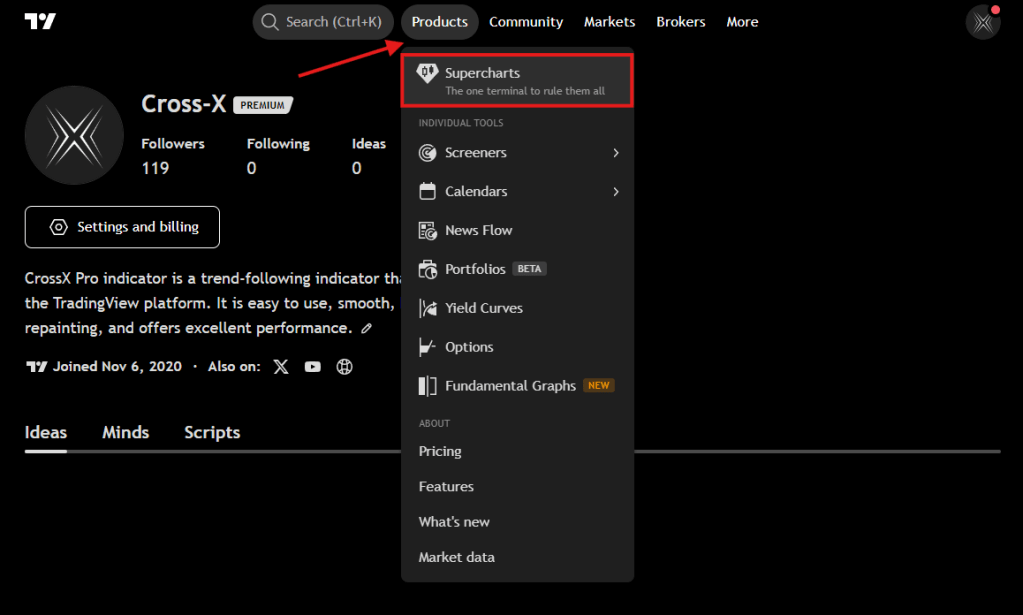
2. Open any chart.
3. Click the Indicators button

4. In the Indicators window, go to the “Invite-only scripts” tab. You will see CrossX Pro indicator there.

5. Then click on its name to add it to the chart.

Note: If you don’t see it or encounter any error, please try refreshing your browser and ensure that you are logged into the correct TradingView account provided to us.
 Cross-X